

Here’s a step-by-step visual guide 👇
Step 1: Switch to Production Mode
In your dashboard, click on the Switch to Production Mode button located at the bottom of the left sidebar.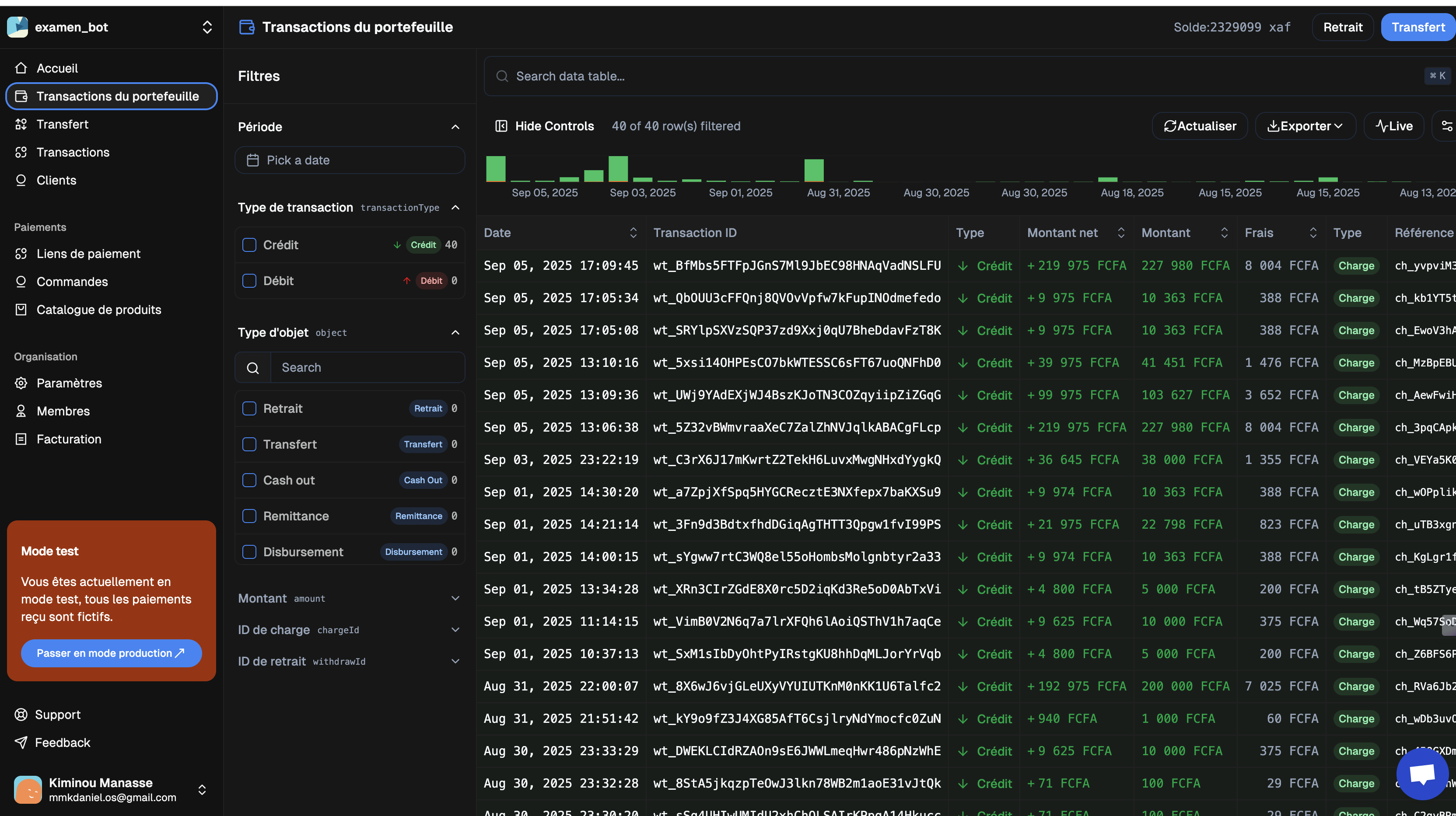
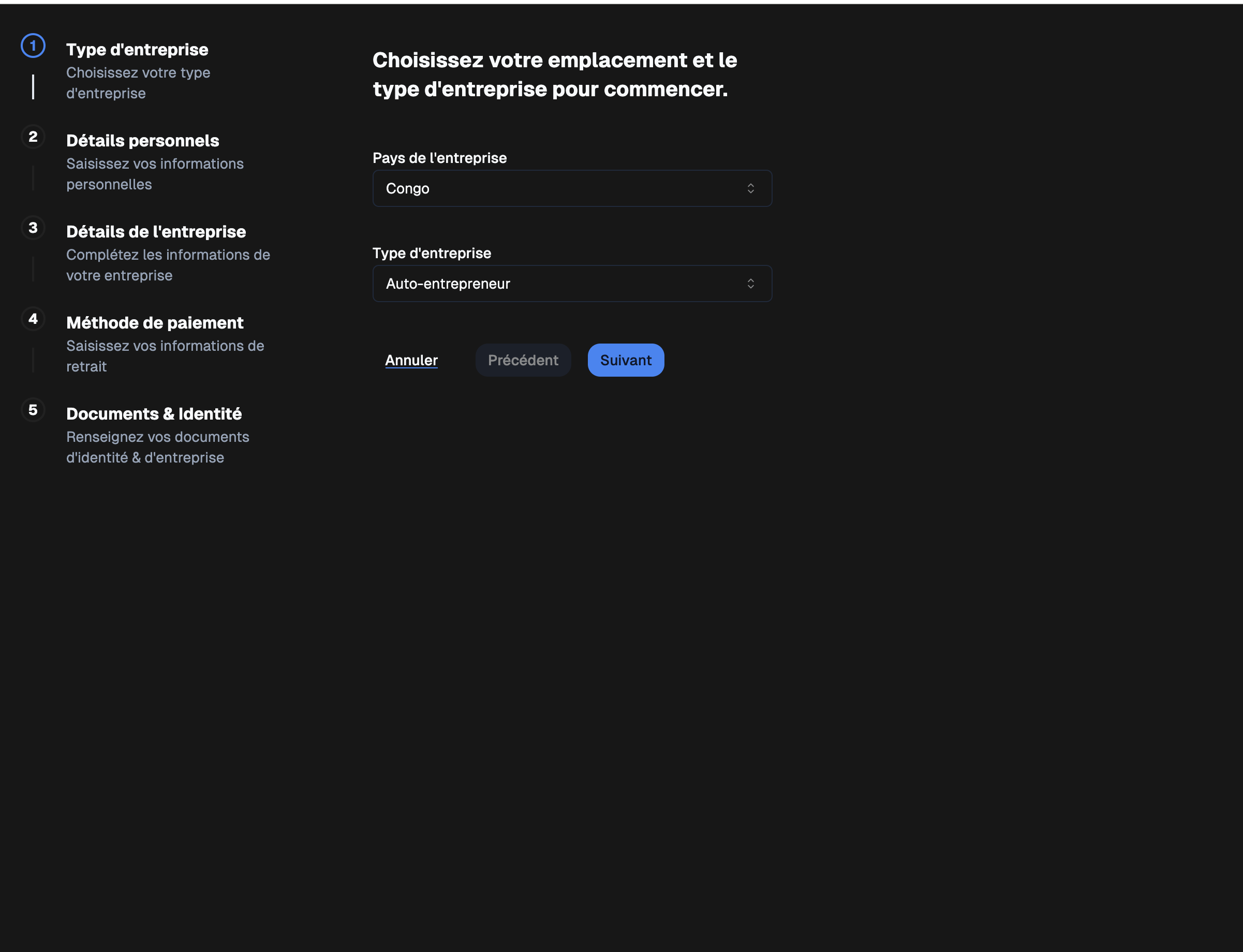
Step 2: Company Information
Fill in the basic information about your company:- Company location
- Company type
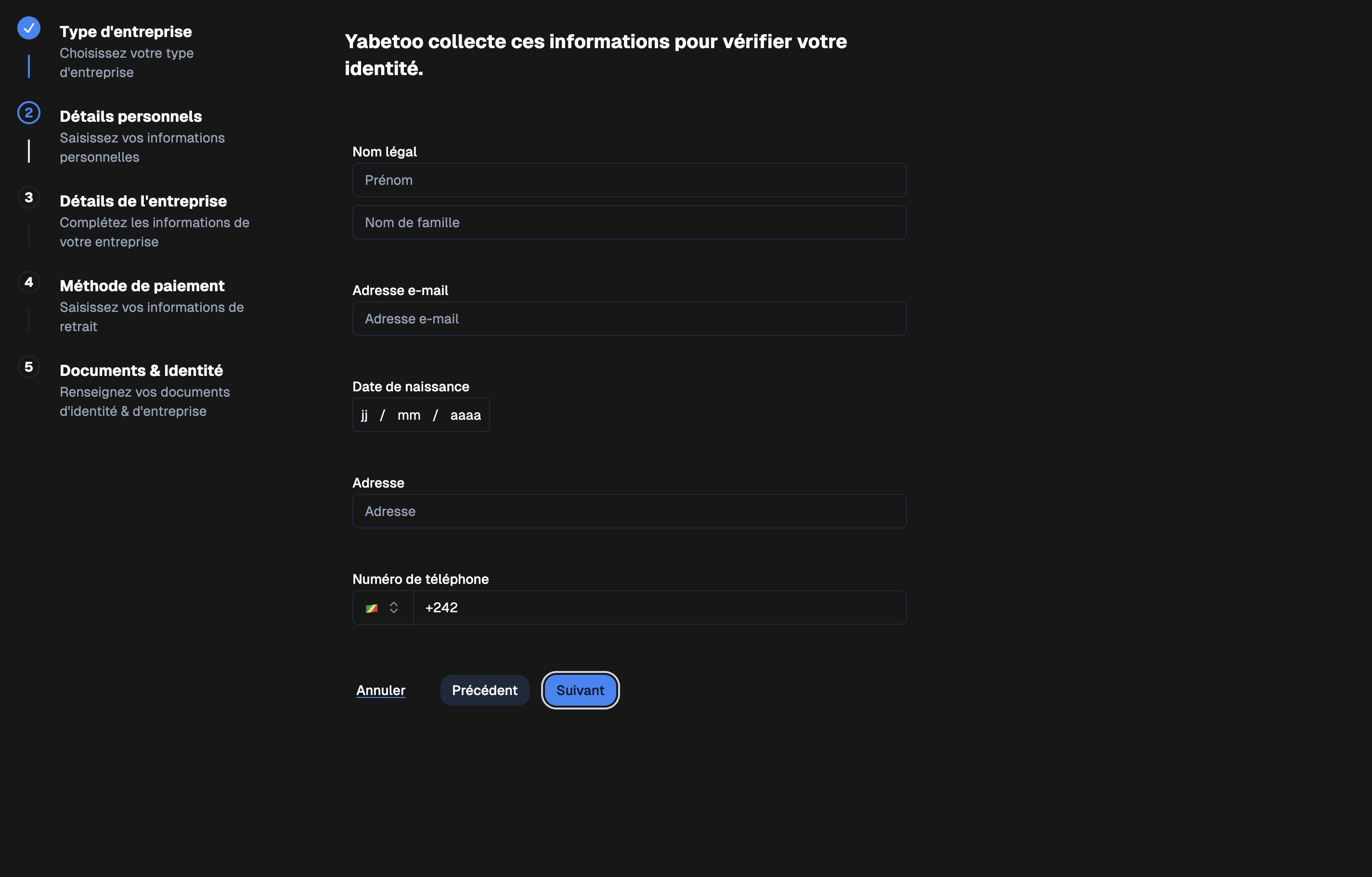
Step 3: Personal Information
Provide your personal details:- Legal name (e.g., John Doe)
- Email address
- Date of birth
- Address
- Phone number
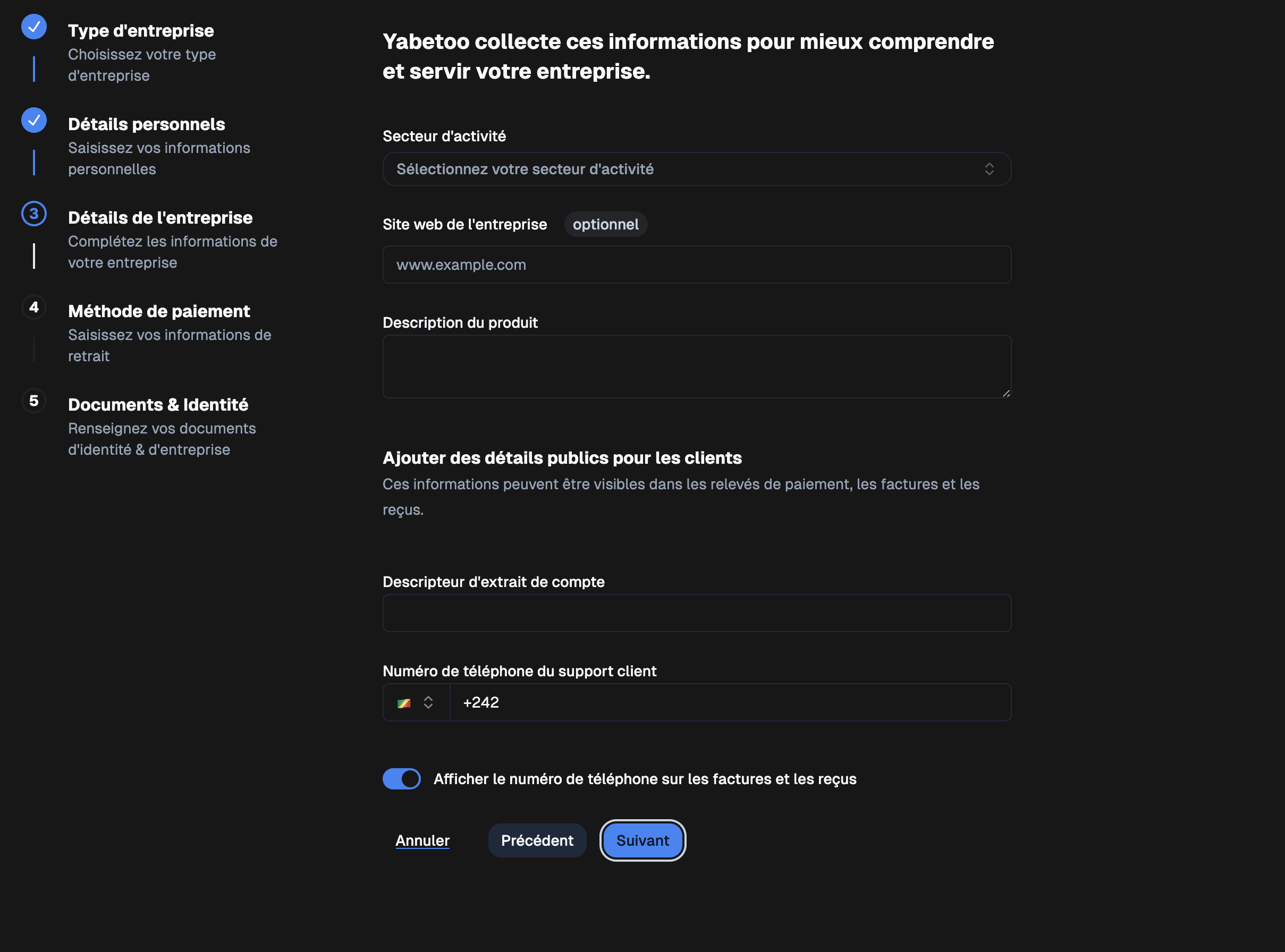
Step 4: Company Details
Add details about your business:- Industry
- Company website (optional)
- Product description
- Bank statement descriptor
- Customer support phone number
- Option: Display phone number on invoices and receipts
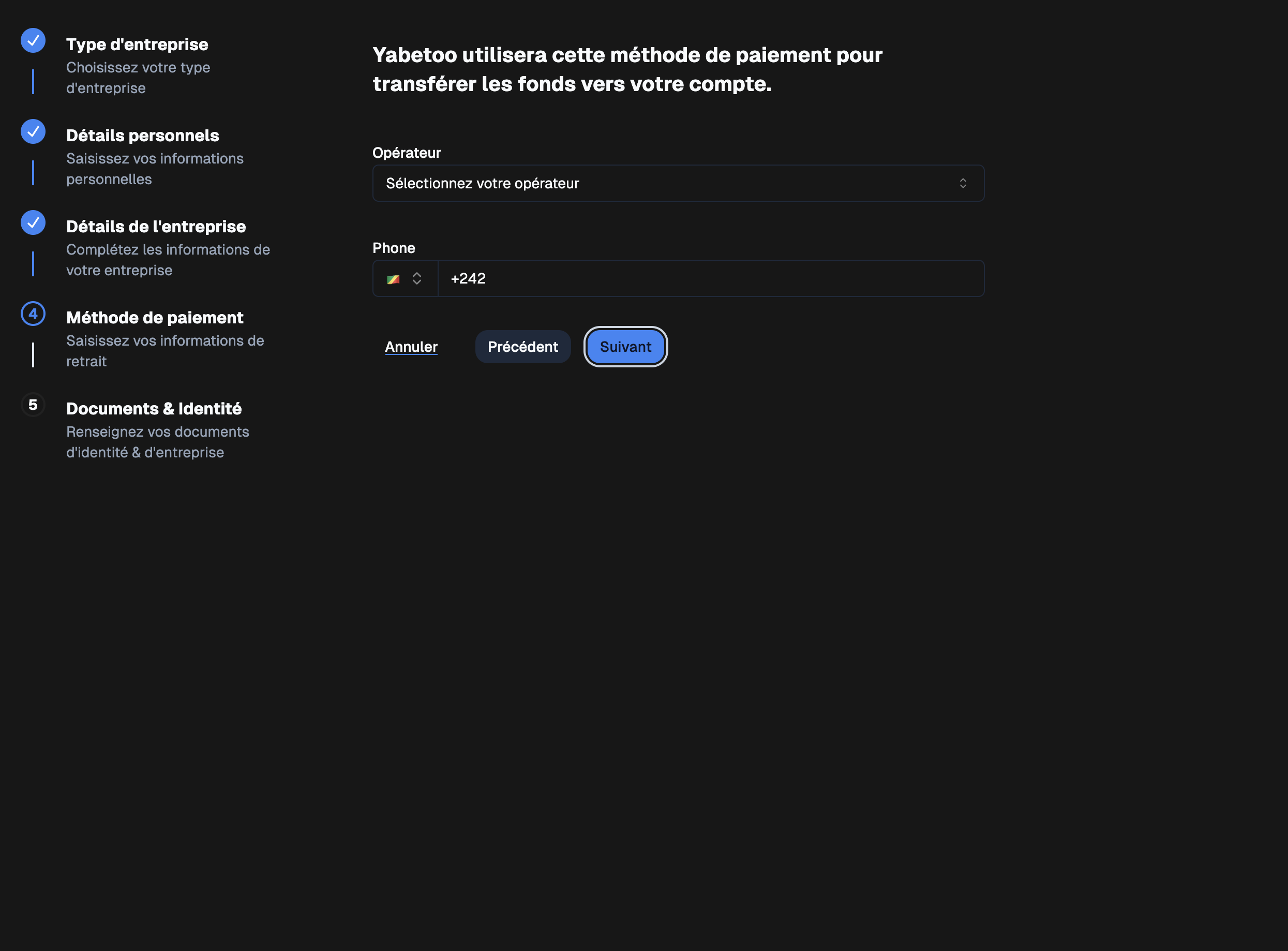
Step 5: Payment Method
Set up your payment method to receive your funds:- Operator (e.g., MTN, Airtel, Orange…)
- Associated phone number
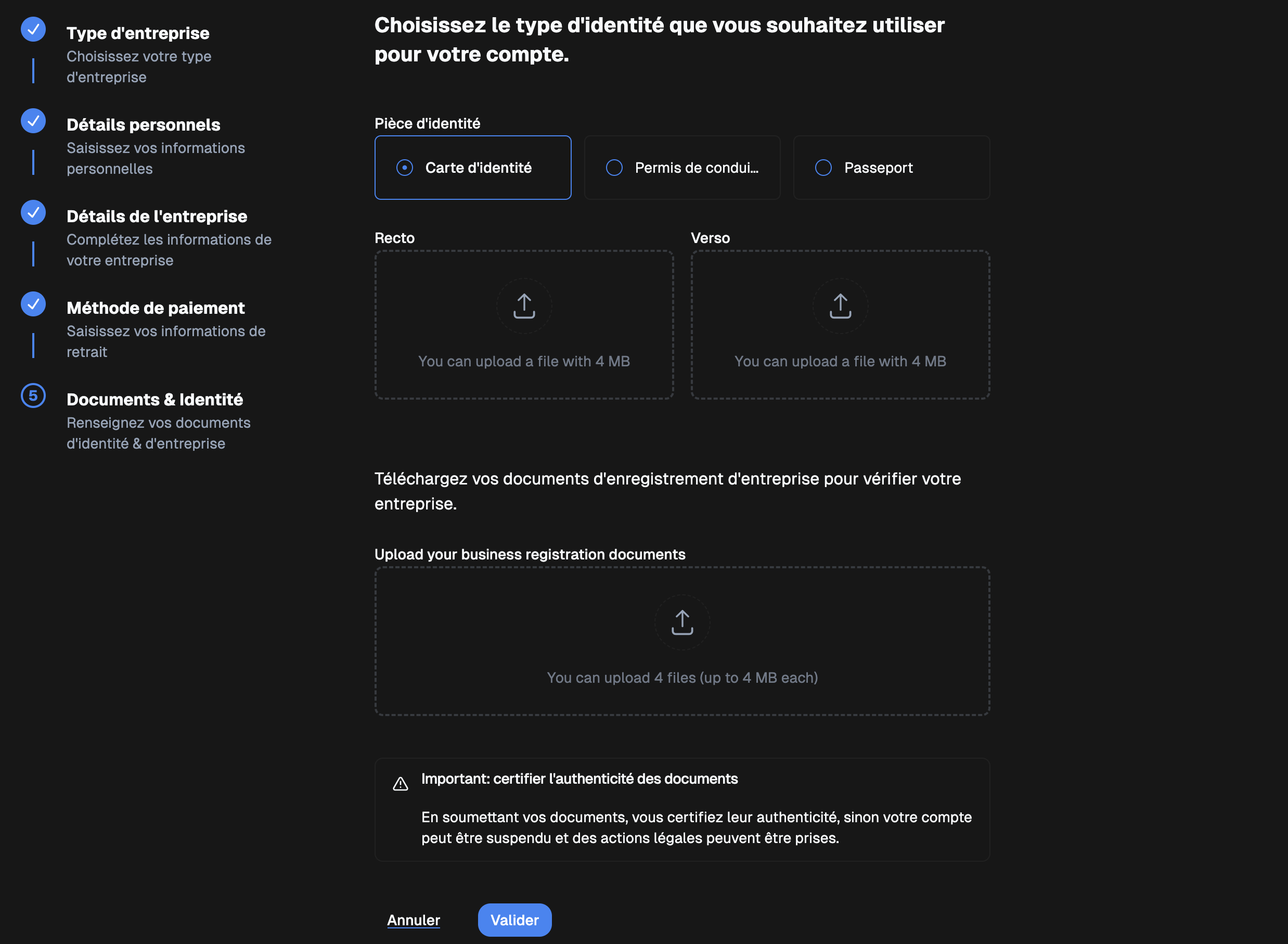
Step 6: Documents & Identity
Upload your documents for verification:Identity document (Front / Back)
- ID card
- Driver’s license
- Passport
Business registration documents
- Up to 4 files (max 4 MB each)
Otherwise, your account may be suspended and legal action may be taken.
Final Step
Once all steps are completed and your documents are submitted:✅ Your account will be verified and activated in production mode.