

In the sandbox environment, you can simulate all features without moving real money. Once your account is created and activated, you’ll be able to:
✅ Accept payments
✅ Create additional accounts
✅ Manage a team
Step 1: Access the Platform
Go to the following URL:👉 https://app.yabetoo.com/login

Step 2: Create an Account
Click on the Create an account link at the bottom of the login form.You will be redirected to the registration page.

Step 3: Fill in Your Personal Information
Complete the form with your details:- First name
- Last name
- Email address
- Phone number
- Password
- Confirm password
You will automatically be redirected to the login page.

Step 4: Log in to Your Account
Enter your credentials:- Email address
- Password

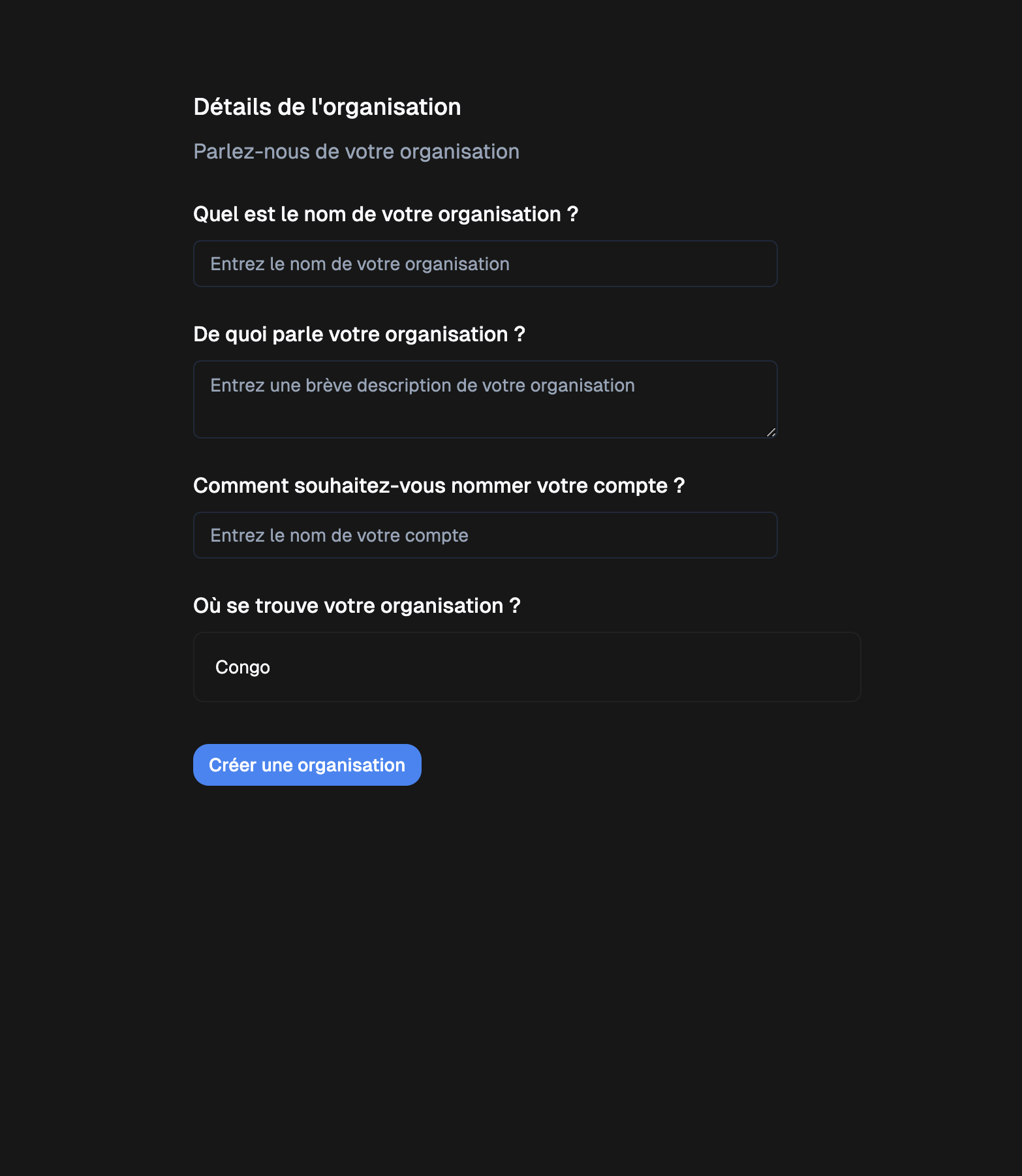
Step 5: Create an Organization and an Account (Store)
On your first login, you will be asked to create an organization and an account (or store) in a single form. Provide the following details:- Organization name
- Description (what your organization is about)
- Account (or store) name (e.g., Yabetoo Congo Store)
- Location (currently available only for Congo)
Final Step
🎉 Congratulations! Your account and organization have been created.You can now explore Yabetoo in test (sandbox) mode, then follow the account activation guide to switch to production mode.
Next Steps
Activate Your Account
Learn how to activate your account and go live to start receiving real payments.
Create Payment Links
Learn how to generate and share your first payment links to quickly collect money from your customers.